Presentations
ID's slide template for presentations: Peter's eleven layouts, the rules for using them and the six text styles made for slides. In PowerPoint it becomes ID's template in the Brand Kit, which Copilot builds from.
Layouts
Pick the layout whose use fits the slide. Each picture is Peter's drawing in ID® PowerPoint Masters. The measurements under it are in Figma's pixels on a 1920 × 1080 slide.
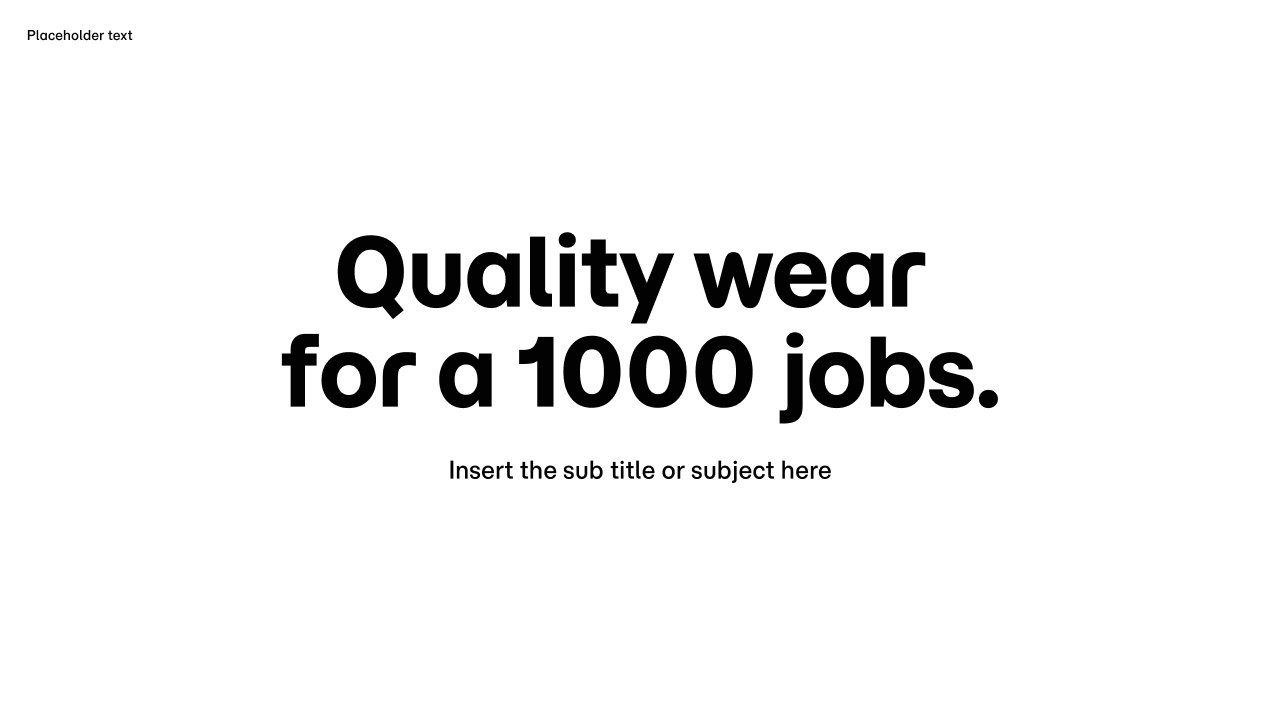
| Field in Figma | Text style | At (x, y) | Size | In PowerPoint |
|---|---|---|---|---|
placeholder/title | Slides/Display/xl | 249, 332 | 1422 × 300 | Title |
placeholder/subtitle | Slides/Body/lg | 672, 682 | 576 × 44 | Subtitle |
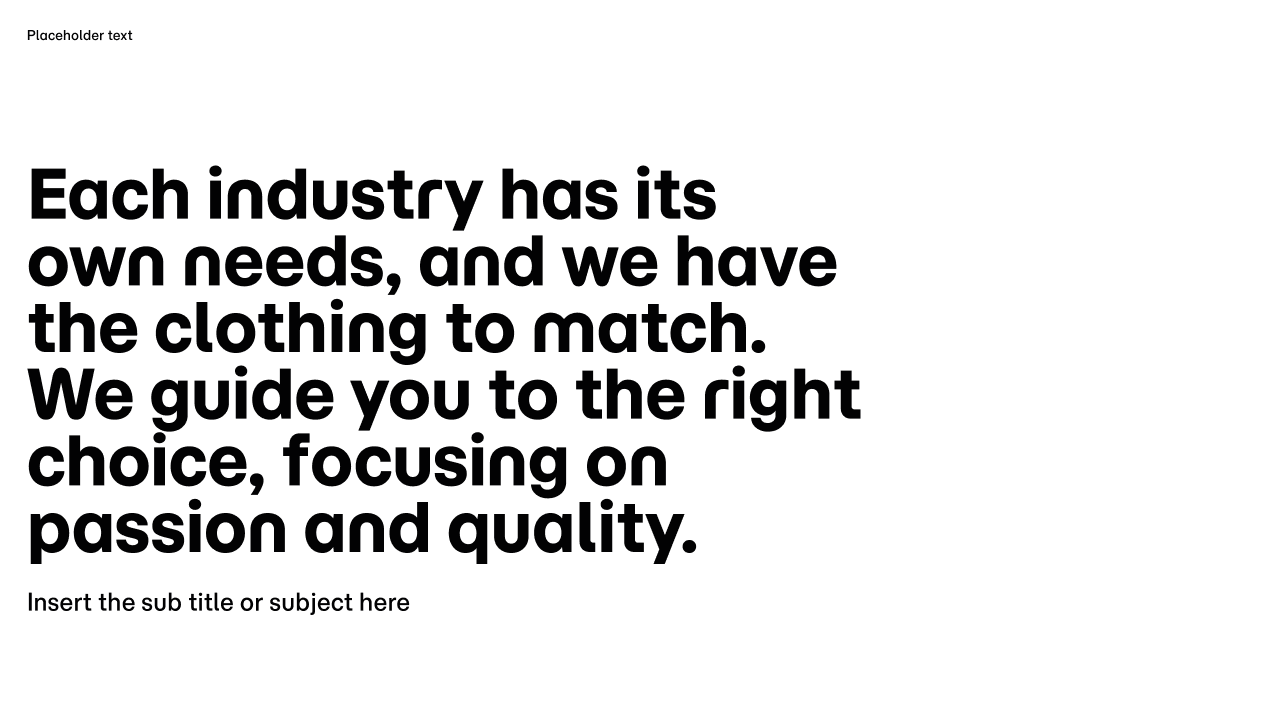
| Field in Figma | Text style | At (x, y) | Size | In PowerPoint |
|---|---|---|---|---|
(statement text, not named placeholder) | Slides/Display/lg | 40, 240 | 1253 × 600 | Title |
placeholder/subtitle | Slides/Body/lg | 40, 880 | 1004 × 44 | Subtitle |

| Field in Figma | Text style | At (x, y) | Size | In PowerPoint |
|---|---|---|---|---|
placeholder/text | Slides/Display/md | 40, 240 | 844 × 546 | Title |
placeholder/subtitle | Slides/Body/lg | 40, 826 | 1004 × 44 | Subtitle |
placeholder/image | 1084, 0 | 836 × 1080 | Picture |
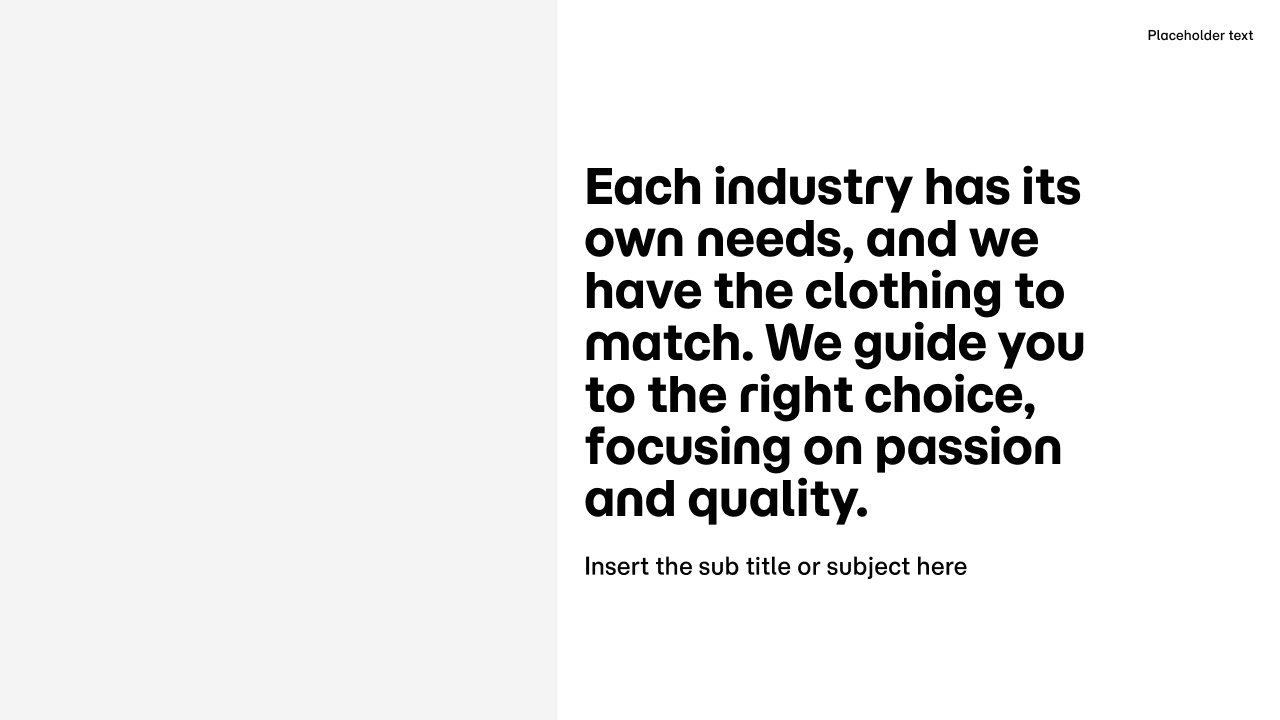
| Field in Figma | Text style | At (x, y) | Size | In PowerPoint |
|---|---|---|---|---|
placeholder/image | 0, 0 | 836 × 1080 | Picture | |
(statement text, not named placeholder) | Slides/Display/md | 876, 240 | 844 × 546 | Title |
placeholder/subtitle | Slides/Body/lg | 876, 826 | 1004 × 44 | Subtitle |
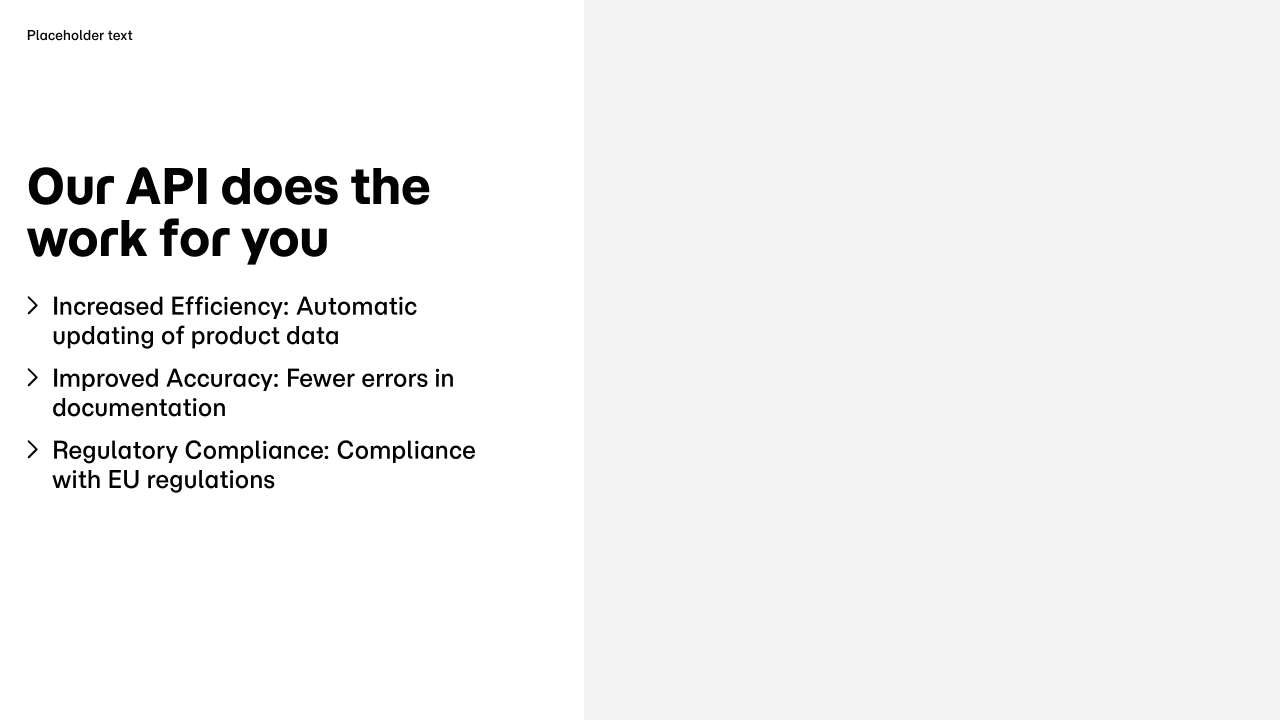
| Field in Figma | Text style | At (x, y) | Size | In PowerPoint |
|---|---|---|---|---|
placeholder/heading | Slides/Display/md | 40, 240 | 627 × 156 | Title |
list: placeholder/subtitle, three points with chevron-right | Slides/Body/lg | 40, 436 | 716 × 304 | Body, bulleted with chevron-right |
placeholder/image | 876, 0 | 1044 × 1080 | Picture |
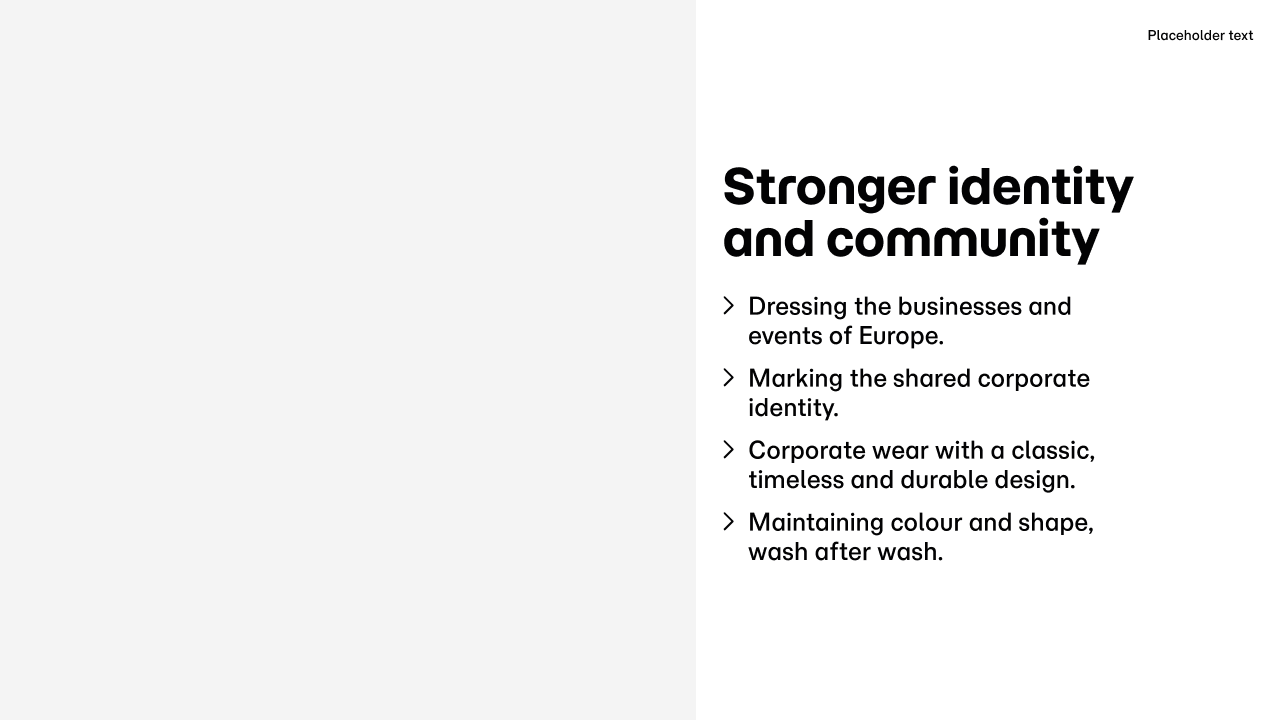
| Field in Figma | Text style | At (x, y) | Size | In PowerPoint |
|---|---|---|---|---|
placeholder/image | 0, 0 | 1044 × 1080 | Picture | |
placeholder/heading | Slides/Display/md | 1084, 240 | 627 × 156 | Title |
list: placeholder/subtitle, four points with chevron-right | Slides/Body/lg | 1084, 436 | 716 × 412 | Body, bulleted with chevron-right |

| Field in Figma | Text style | At (x, y) | Size | In PowerPoint |
|---|---|---|---|---|
placeholder/image | 0, 0 | 1920 × 1080 | Picture |

| Field in Figma | Text style | At (x, y) | Size | In PowerPoint |
|---|---|---|---|---|
placeholder/industry1 to placeholder/industry8 | Slides/Display/lg | 40, 130 | 1840 × 884 | Body, one line per point |
| Field in Figma | Text style | At (x, y) | Size | In PowerPoint |
|---|---|---|---|---|
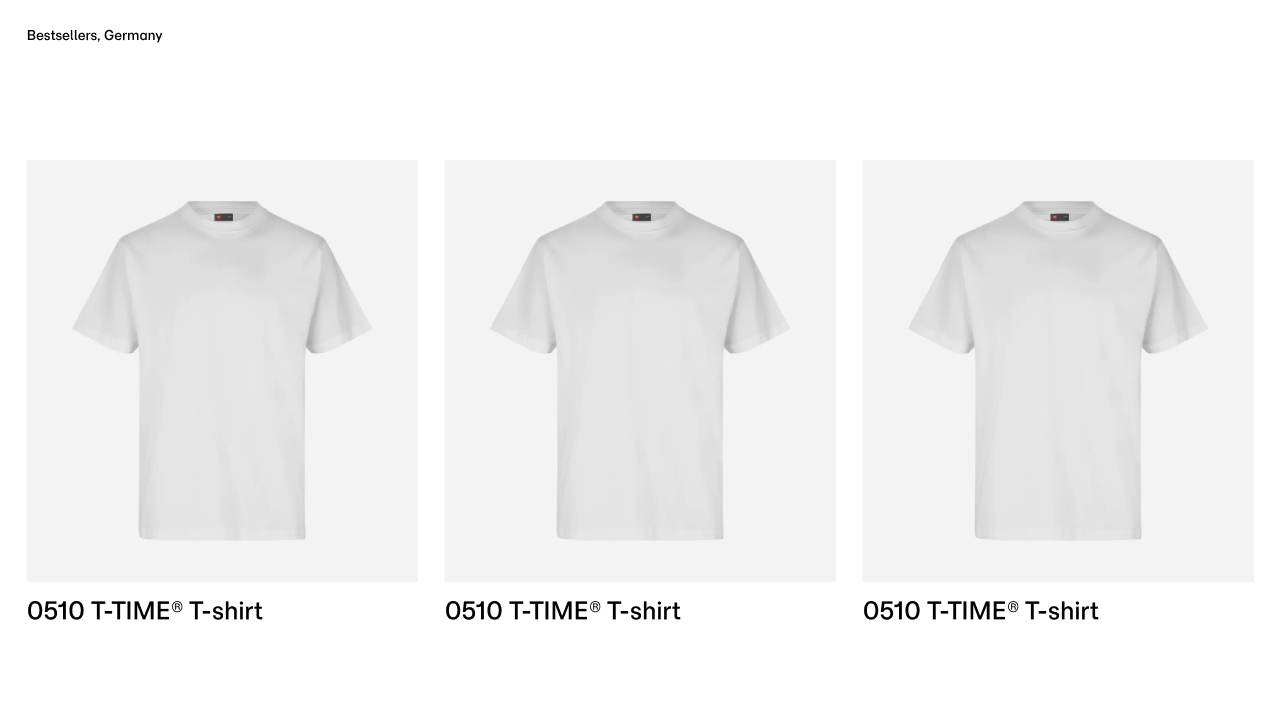
product1 to product3: placeholder/image | 40, 240 | 587 × 633 | Picture, packshot on Snow | |
product1 to product3: placeholder/name | Slides/Body/lg | 40, 893 | 354 × 44 | Small text |
| Field in Figma | Text style | At (x, y) | Size | In PowerPoint |
|---|---|---|---|---|
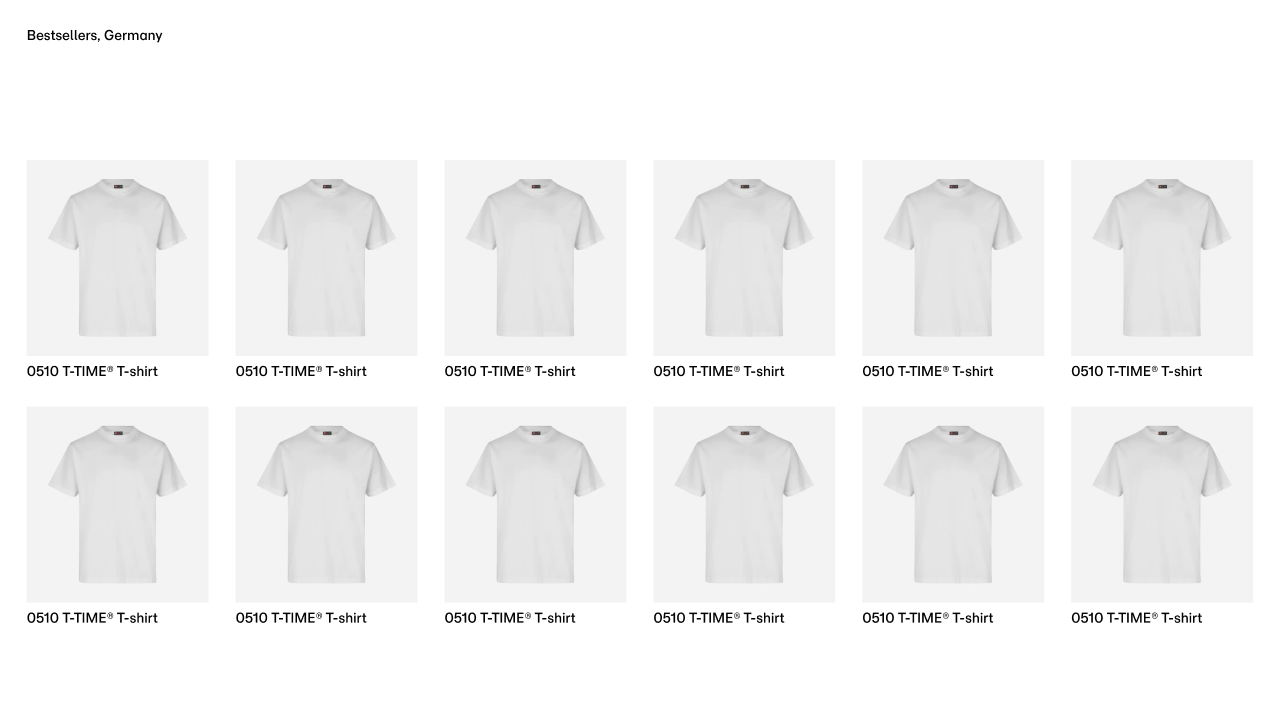
product1 to product12: placeholder/image | 40, 240 | 273 × 294 | Picture, packshot on Snow | |
product1 to product12: placeholder/name | Slides/Body/md | 40, 544 | 197 × 24 | Small text |
| Field in Figma | Text style | At (x, y) | Size | In PowerPoint |
|---|---|---|---|---|
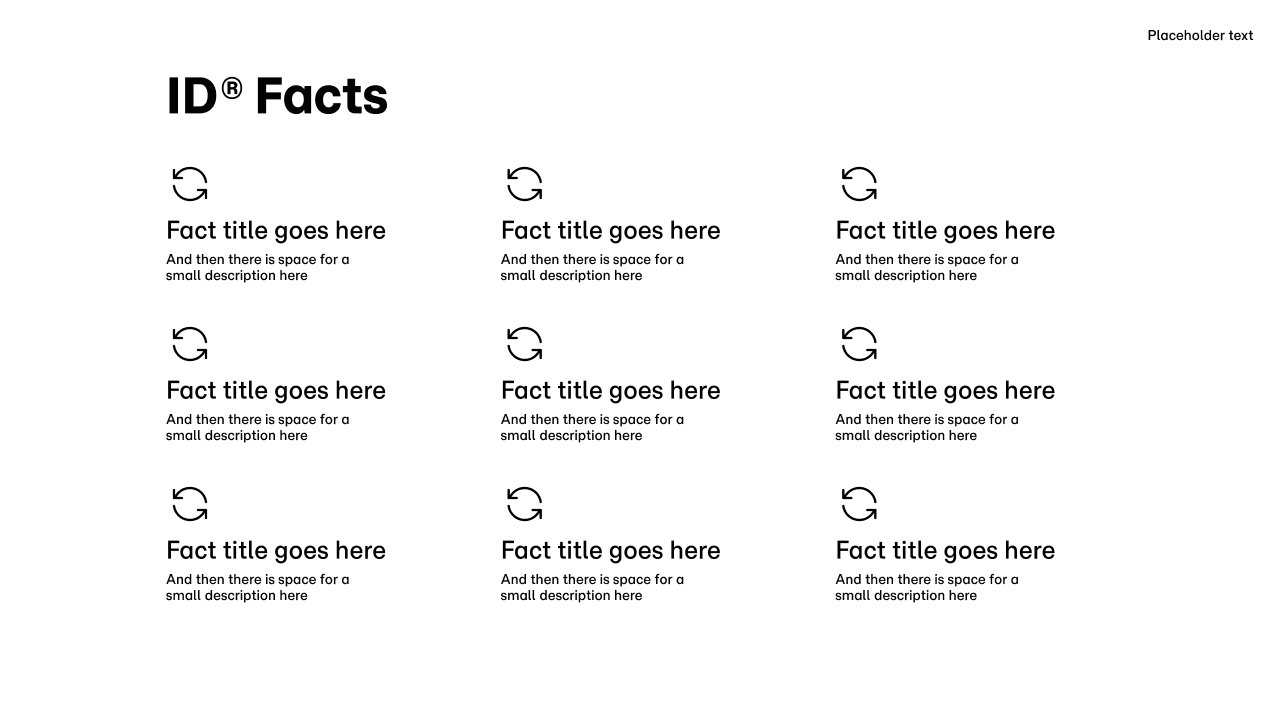
(heading 'ID® Facts', not named placeholder) | Slides/Display/md | 249, 104 | 844 × 78 | Title |
fact1 to fact9: icon | 249, 240 | 72 × 72 | Icon from the ID set, 72 px, icon/color | |
fact1 to fact9: placeholder/heading | Slides/Body/lg | 249, 322 | 418 × 44 | Body |
fact1 to fact9: placeholder/description | Slides/Body/md | 249, 376 | 290 × 48 | Body, small |
Rules
| Rule | From |
|---|---|
| Make every slide 16:9, drawn at 1920 by 1080 px. | Peter's Figma file ID® PowerPoint Masters |
| Set slides on a White ground with text in Ink. Colour comes from pictures and packshots, not from the slide. | Peter's Figma file ID® PowerPoint Masters |
| Place everything on the nine-column grid: 40 px margins and 40 px between columns (space/section/1), and four rows from 104 px. | Peter's Figma file ID® PowerPoint Masters |
| Use only the six Slides text styles. Display for titles and statements, Sans Medium for everything else. The website's text styles are not for slides. | Peter's Figma file ID® PowerPoint Masters |
| Body text on slides is Momo Trust Sans Medium (500). Where only fixed weights are installed, that is the Medium file. | Peter's Figma file ID® PowerPoint Masters |
| Put the small label at the top, 40 px in: left, or right when the picture takes the left side. It names the subject or the market, in a few words. | Peter's Figma file ID® PowerPoint Masters |
| A picture beside a statement runs to the top, the bottom and the edge of the slide: 836 px wide (small) or 1044 px (large). A full-screen picture has nothing on it. | Peter's Figma file ID® PowerPoint Masters |
| Show products as packshots on Snow, three or twelve to a slide, with the article number and name under each: '0510 T-TIME® T-shirt'. Never crop a packshot, and never invent a product fact. | Peter's Figma file ID® PowerPoint Masters |
| Mark the points of a list with the chevron-right icon from the ID set, not a bullet. Three or four points. | Peter's Figma file ID® PowerPoint Masters |
| Give each fact an icon from the ID set at 72 px, in the icon colour, above its heading. | Peter's Figma file ID® PowerPoint Masters |
| A list of industries is numbered, one per line in Display, the lines moving between left, centre and right. | Our reading of the layouts; Peter has not written it |
| No Flare on a slide. It belongs to the logo only. | The rules of the design system |
| A picture made with AI carries the AI mark. Its size and place on screen are not decided yet. | The rules of the design system |
A rule from our reading is how the layouts are drawn, not something Peter has written. The logo, the AI mark and Flare follow the rules of the whole system.
Text styles
Six styles made for slides. The website's text styles are too small on a screen in a meeting room: Body/md at 16 px becomes 8 pt. In PowerPoint the sizes are half the pixels.
| Style | Typeface | Weight | Size/line, px | In PowerPoint, pt | Use |
|---|---|---|---|---|---|
| Slides/Display/xl | Momo Trust Display | 400 | 140/150 | 70/75 | The big title on an opening slide |
| Slides/Display/lg | Momo Trust Display | 400 | 100/100 | 50/50 | A statement across the slide; a list of industries |
| Slides/Display/md | Momo Trust Display | 400 | 72/78 | 36/39 | A statement beside a picture; a slide heading |
| Slides/Display/sm | Momo Trust Display | 400 | 44/50 | 22/25 | Drawn in the file, not used on a layout yet |
| Slides/Body/lg | Momo Trust Sans | 500 | 36/44 | 18/22 | Subtitles, points in a list, product names, fact headings |
| Slides/Body/md | Momo Trust Sans | 500 | 20/24 | 10/12 | The label at the top, product names in a grid of twelve, fact descriptions |
Grid and master
Nine columns with 40 px margins and 40 px between them (space/section/1). Four rows, starting 104 px from the top, 40 px between them.
White ground. A small label at the top, 40 px in: on the left, or on the right when the picture takes the left. The label names the subject or the market, such as 'Bestsellers, Germany'.
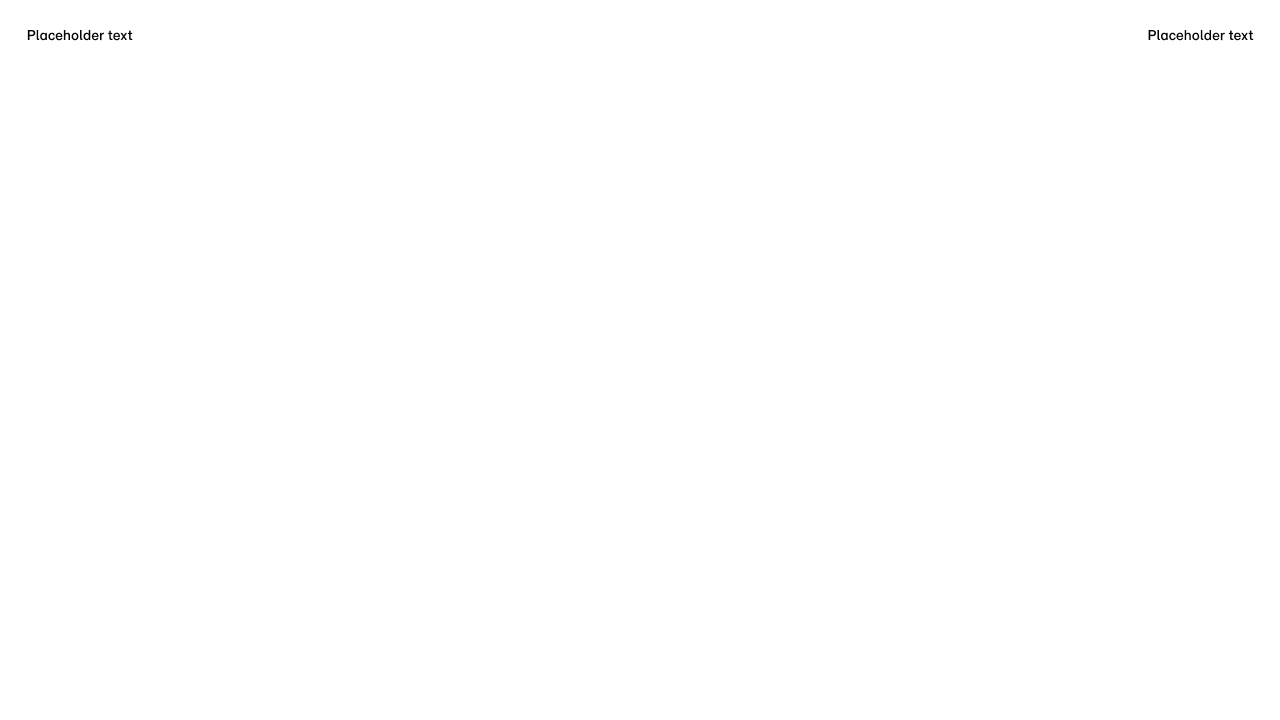
| Field in Figma | Text style | At (x, y) | Size | In PowerPoint |
|---|---|---|---|---|
placeholder/title-left | Slides/Body/md | 40, 40 | 796 × 24 | Small text |
placeholder/title-right | Slides/Body/md | 1084, 40 | 796 × 24 | Small text, right-aligned |
In PowerPoint
The template becomes a PowerPoint template (.potx) and goes into ID's Brand Kit, with the skill ID Design beside it. Copilot builds slides from the template's sample slides and fills only placeholders, never loose text boxes: every field in Figma named placeholder/… becomes one.
The conversion is not built yet. The contract it reads is docs/SLIDESKABELON.md in the repository. Until the template is in the Brand Kit, an agent builds slides by these rules; as text they are at /slides.md.
Everyone who presents needs the fonts installed: Downloads. Body text on slides is Momo Trust Sans Medium.
Not decided yet
- The master has no logo. Where does it stand, and on which slides?
- Every slide is white. Are there coloured or dark slides, for instance for a chapter, and which colours?
- Three texts are not named placeholder: the statement on Statement, Fullscreen and on Statement, Small Image Left, and the heading 'ID® Facts'. Should Copilot be able to write in them?
- Slides for sales are missing: agenda, chapter divider, key numbers, chart, table, contact and thank you or next steps.
- Slides/Display/sm (44/50) is drawn but not used. Where is it for?
- Slides/Body/md is 20 px, which is 10 pt in PowerPoint. Is that large enough for product names and fact descriptions on a screen in a meeting room?
- A line for each layout about when to use it. Copilot reads it from the slide notes.
- The example text is English. Should the template be in Danish, English or both?
Read from
ID® PowerPoint Masters, Peter's Figma file, read 25 November 2026. The colours and spacing in it are bound to the design system's own variables.